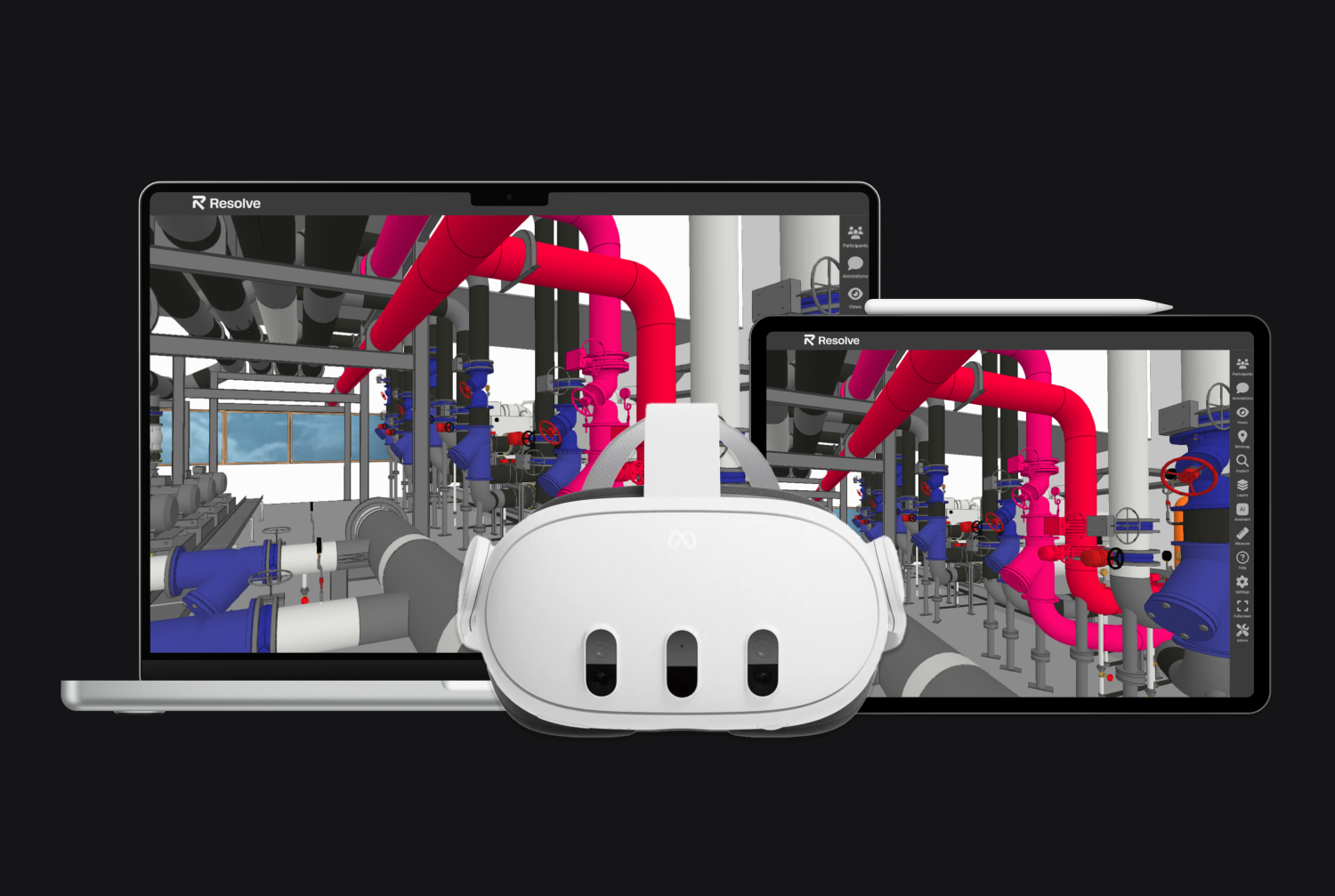
Resolve + Navisworks
With Resolve you can easily bring your BIM reviews from Navisworks into VR, the web, and iPad. Import NWD files in minutes, walk through your models at 1:1 scale on wireless Quest headsets, and export findings back to Navisworks via XML — no PC required.
How it works
Import Navisworks files in minutes
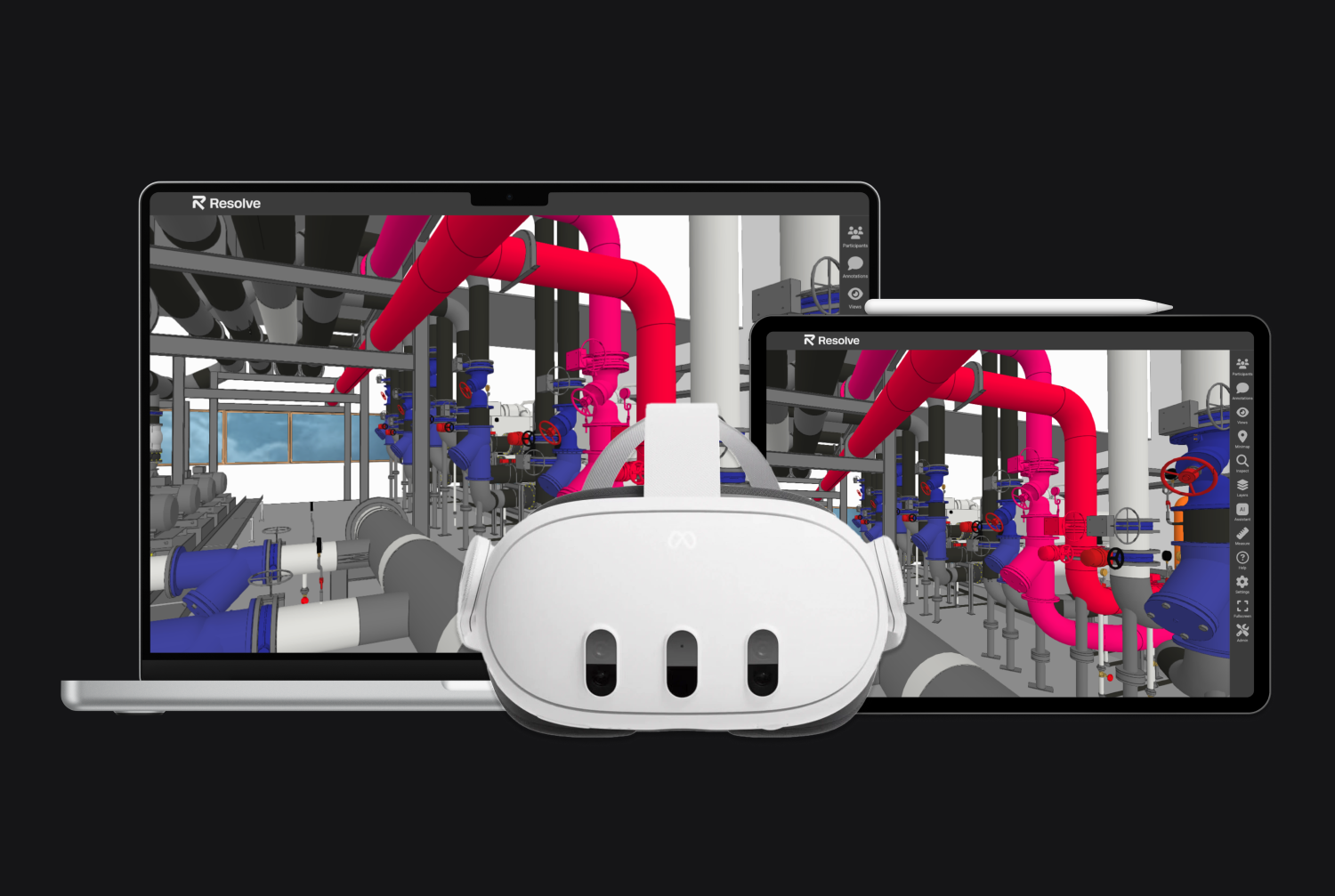
Upload your NWD files to Resolve and open them on wireless Meta Quest headsets (Quest 2, Quest 3, Quest 3S, Quest Pro), on the web, or on iPad. No extensive cleanup required.
Review models across VR, web, and iPad
Walk through your federated Navisworks models at 1:1 scale in VR, or review them in Resolve's web viewer and iPad app.
Find issues faster with AI and speech-to-text
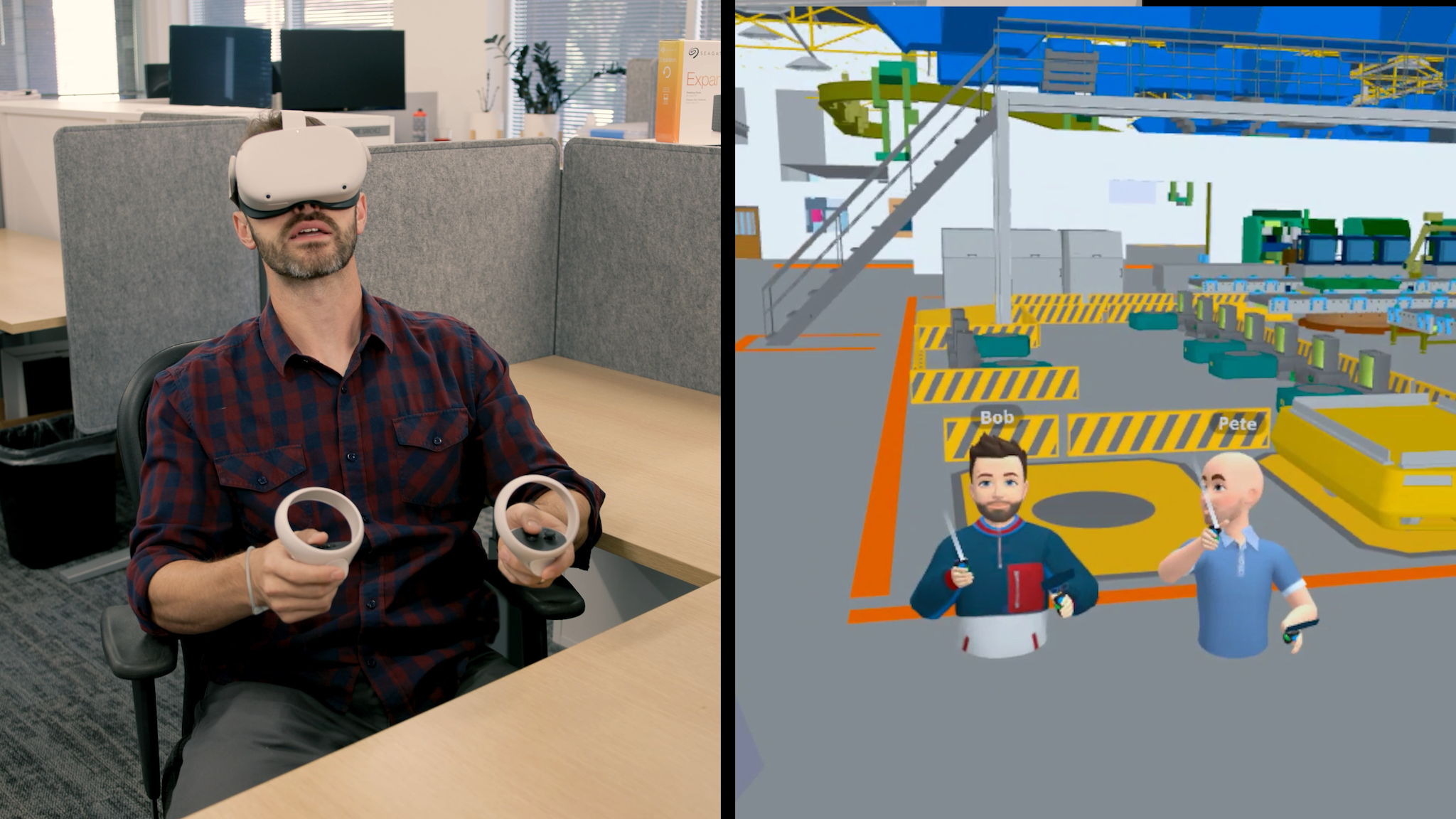
Capture issues hands-free in VR with speech-to-text. Use Resolve's AI Spatial Assist to navigate and interrogate complex models using natural language — no BIM expertise required.
Export findings back to Navisworks
Round-trip your annotations and findings into Navisworks through XML so your team can close them out in existing workflows.
Federated Navisworks models, wirelessly in VR
Resolve's Wellington Engine renders fully federated NWD files on wireless Meta Quest headsets without a PC or cables. Access BIM metadata inside VR, toggle layers to control federated model visibility, and bring the whole team into real-time collaborative reviews across VR, web, and iPad.
Round-trip XML integration with Navisworks
Any issue found with Resolve can be exported back to Navisworks via XML so nothing gets lost between design and field. Stanford CIFE research has found that 93% of building operability issues identified in VR aren't caught with traditional construction coordination methods — round-tripping that insight into your Navisworks workflow is how it becomes actionable.