Resolve + ACC
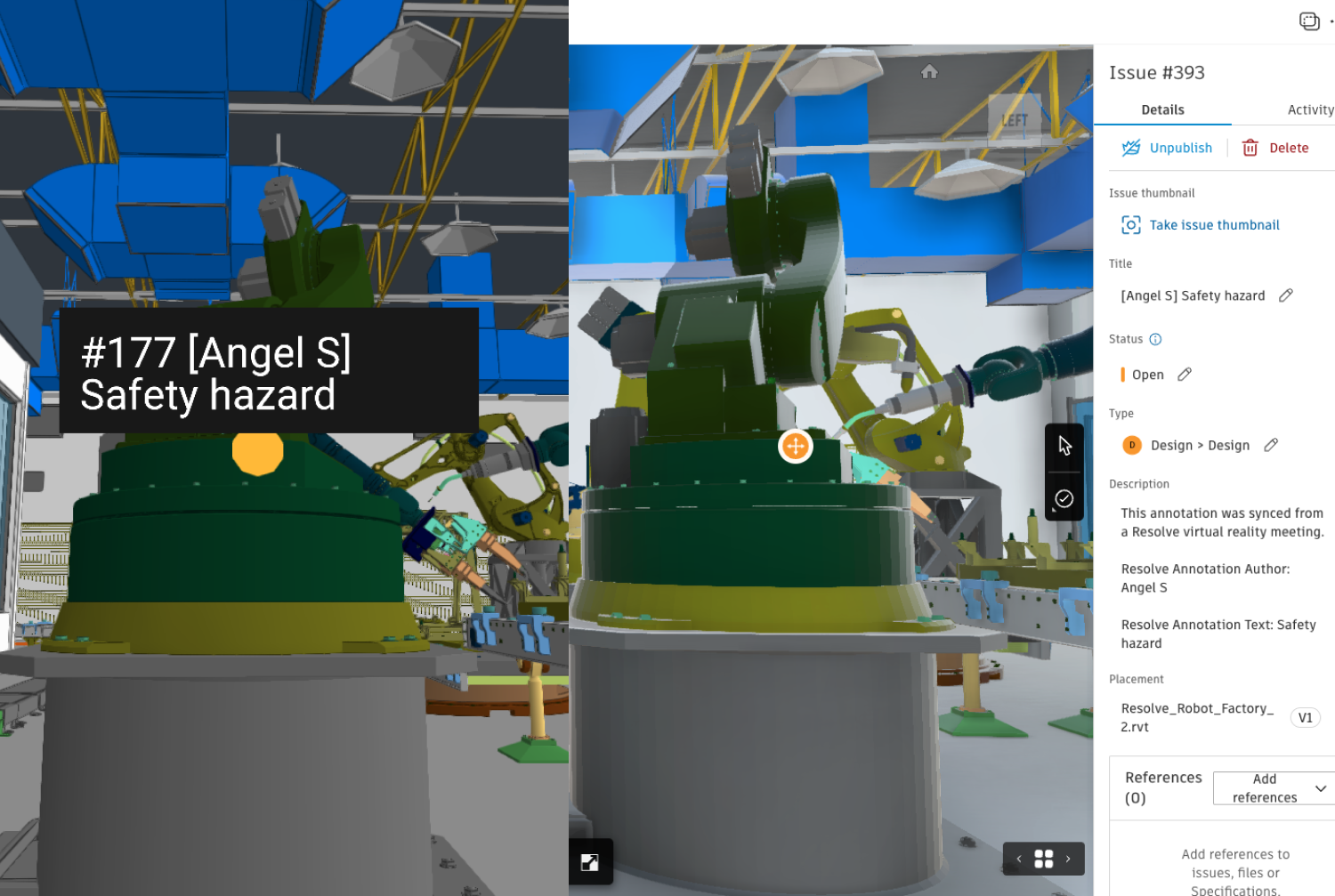
With Resolve's ACC integration, your models and issues automatically stay in sync so you can review them with your team in VR and the web.
How it works
Automatic model sync
Once you link ACC models to Resolve they will automatically stay up to date. No more manual exports or uploads for every design change.
Sync issues
As Resolve identifies risks in your project models you can sync them back to ACC issues to ensure they are closed out.
Review any issue, together
Pull in any issue from ACC and review it with your team using Resolve's real time collaboration across VR and the web.
Configure your workflow
Resolve connects with ACC so you can customize how your issues get synced including issue types and sub-types.
Add VR and real time reviews to your ACC workflows
Resolve can open fully federated projects on a wireless virtual reality headset like the Meta Quest. Resolve's rendering does not require a connection to a PC and everything can be run from a wireless VR headset. Resolve unlocks powerful VR workflows that enable multiple users to engage with BIM like never before.
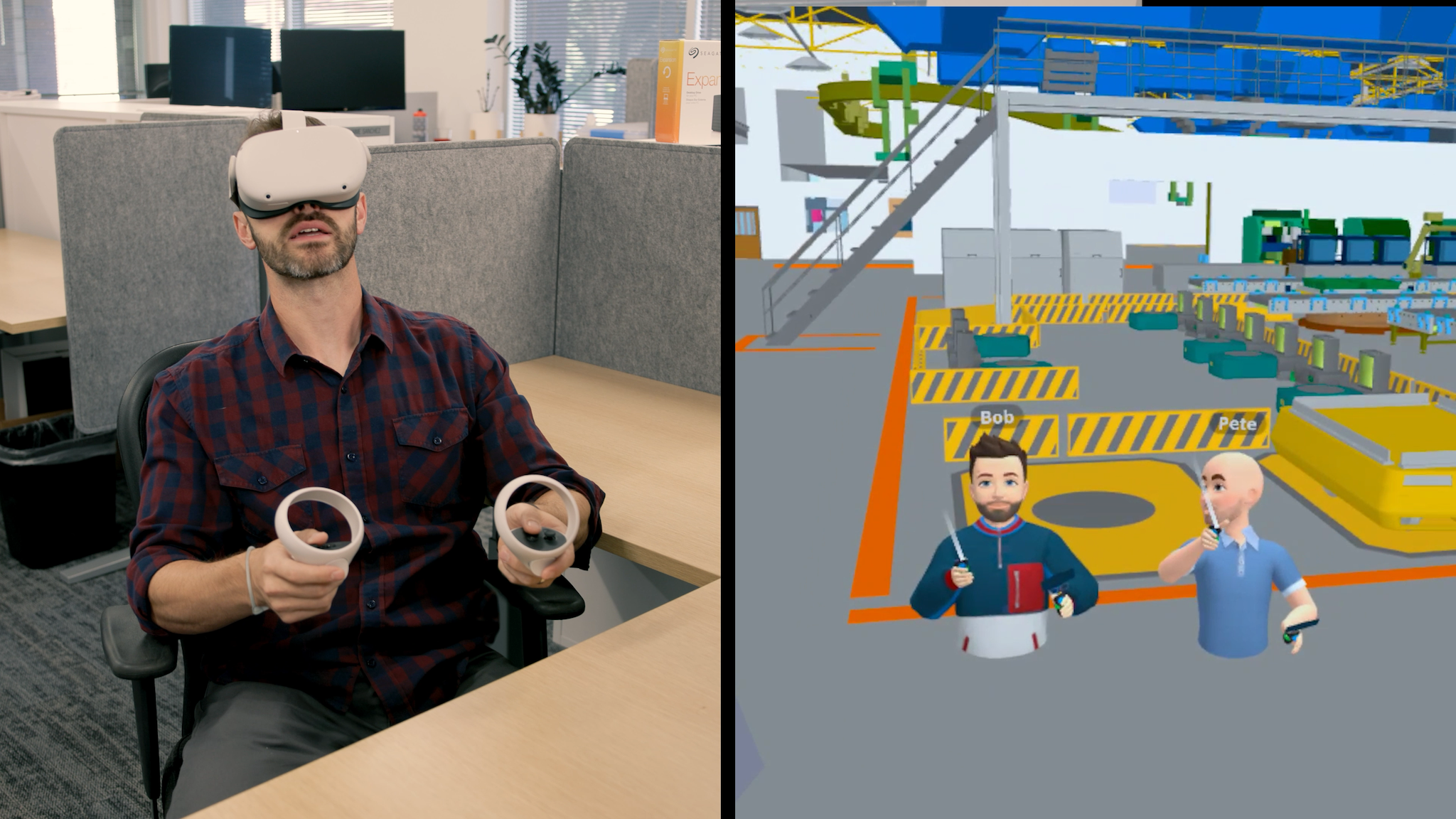
Easily sync your VR annotations to ACC
Expand the capabilities of your BIM reviews and review any of your ACC issues in full model context. Anything you find in VR can be imported back into ACC in one click. Configure the integration settings to sync back to ACC with your preferred issue settings.